I forgot my password
Updated 2025-02-08
If you’ve forgotten your password, follow these steps:
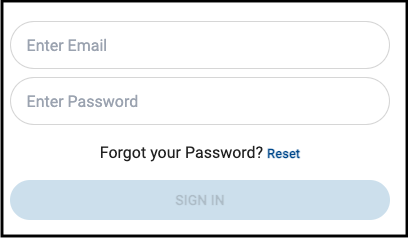
- As shown below, click ‘Reset’.
- As shown below, enter your email address, and click ‘REQUEST’.
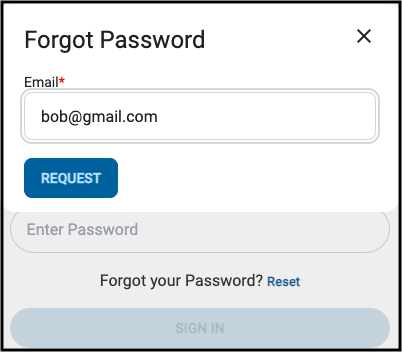
An email will be sent to the email address you entered. Return to the login page and use the Temporary Password to login.
Then follow the steps below to create your own custom password.
On the Event page click the back button in the top-left to access the Events Page.

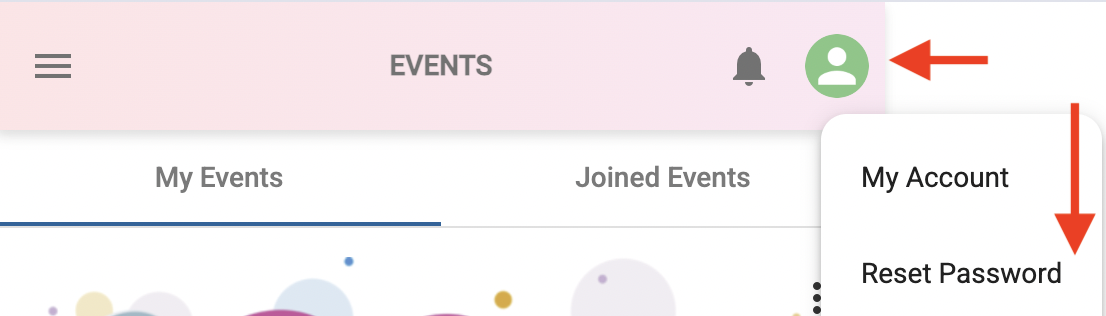
- On the EVENTS page click the user icon in the top-right and then click ‘Reset Password’, as shown below.
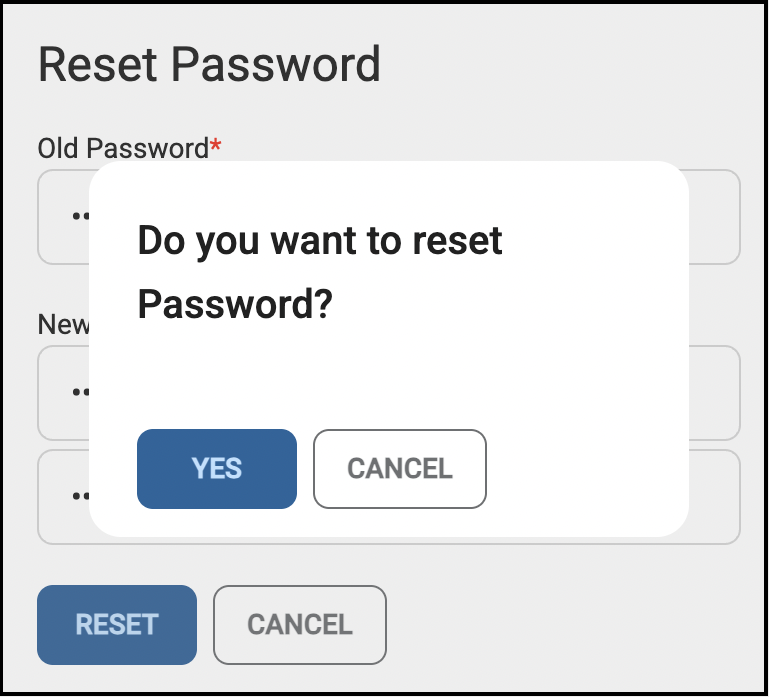
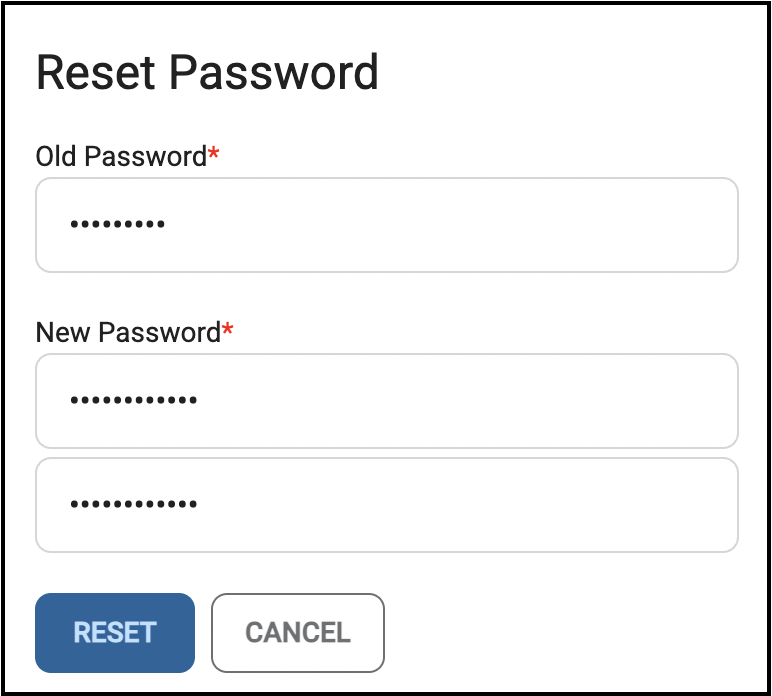
- Enter the Temporary Password into the ‘Old Password’ field, then enter a new password, and enter it again to confirm. Then click the ‘Reset’ button to save the new password.
- In the pop-up shown below, click ‘YES’ to reset/save the new password.