Can I see who logged in to my event?
Updated 2025-04-01
Yes, if your guests logged in to your event using their LiveShare account, you can view their name, email address, and the number of uploads (photo, message, video, etc).
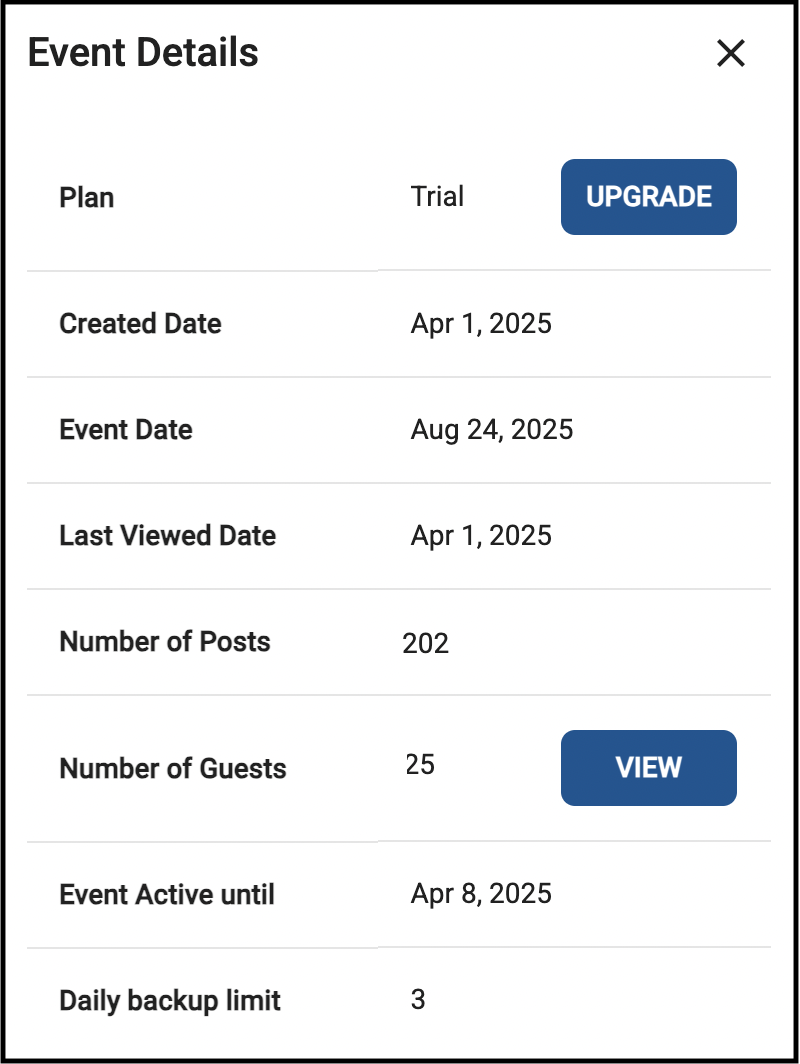
When logged-in as the host, click the 3-dot menu in the top-right, and select “Details”.
In Details, click ‘View’ next to ‘Number of Guests’.
Note you can also download a file with this data.
If guests clicked the ‘Continue as Guest’ button, data is not available.