
How do I edit the Button Links?
Updated 2024-07-08
The Button Link feature allows you to add 1 or 2 buttons linked to a website or to social accounts. The buttons are displayed on either side of the add (+) button, as shown below.

To configure the Button Links, follow the steps below:
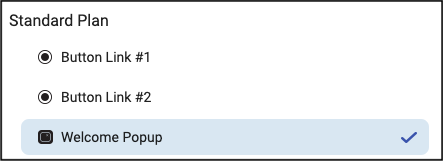
- Click the ‘Settings’ button (cogwheel icon) and click to activate a button link.
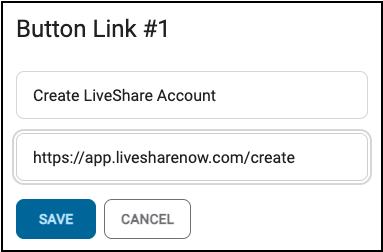
- In the pop-up enter the text to display on the button, and then enter the website URL into the second field, as shown below. Then click Save.
- Click the checkmark to disable and hide one or both buttons. A checkmark shows it’s active, and no checkmark means it’s disabled/off.