Move from ‘Event Details’ to ‘Events’ page
Updated 2024-12-03
On the Event Details page click the left arrow button in the top left to access the EVENTS page.

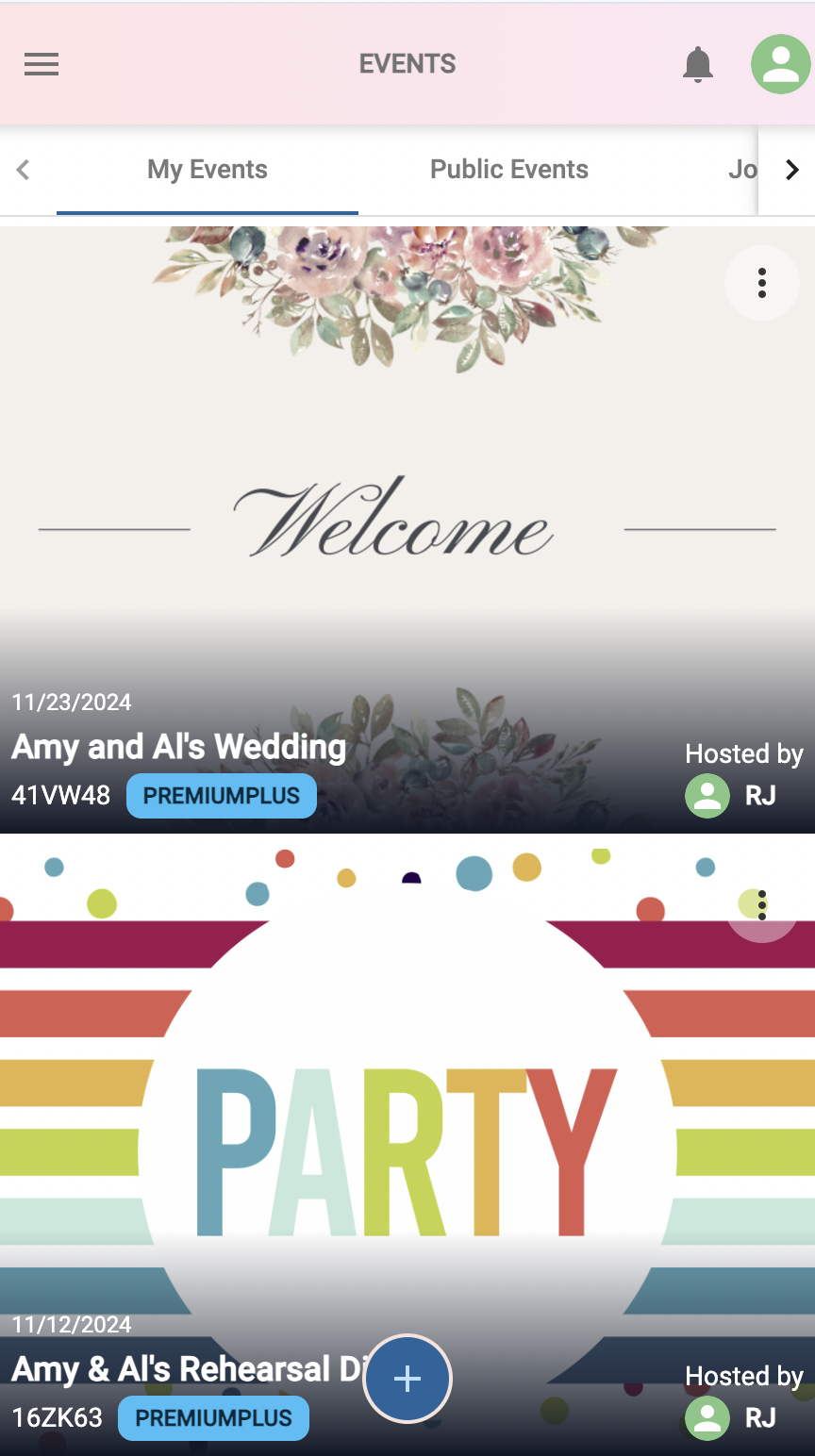
On the EVENTS page you may have one or more Events displayed. Note there may be multiple tabs displayed also: ‘My Events’, ‘Joined Events’ and ‘Public Events’. First use the arrow buttons to move, and then select the desired tab, as shown below. Then click the Event’s Header Photo to access the Event.