What is the ‘Movie Editor’?
Updated 2024-02-12
The ‘Movie Editor’ creates a slideshow, with a selected group of photos. It’s similar to ‘LiveView’, but it is not real-time. Only the selected photos are displayed, and newly uploaded photos are not added to the ‘Movie’ slideshow.
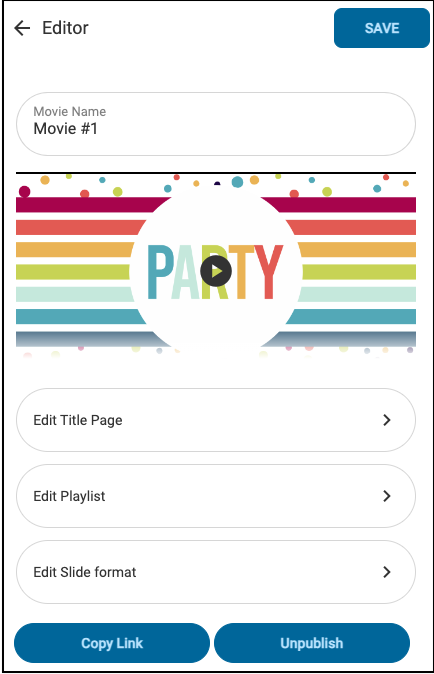
To create a ‘Movie’ slideshow, enable the ‘Movie Editor’ setting in the Premium Plus settings. From the 3-dot menu select ‘Movie Editor’. In the new window you will configure the three sections as shown below: Title Page, Playlist & Slide Format
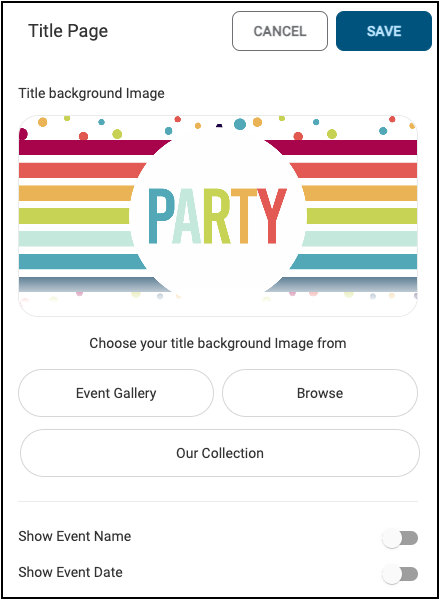
***Title Page ***- Select the background image, and if the Name & Date are displayed:
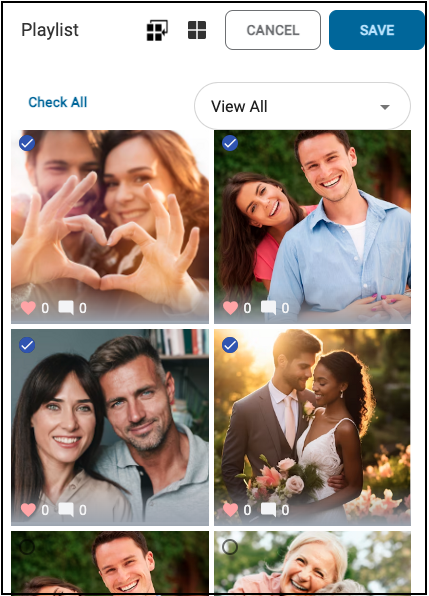
Playlist - Select ‘Check All’ or individual select photos to display.
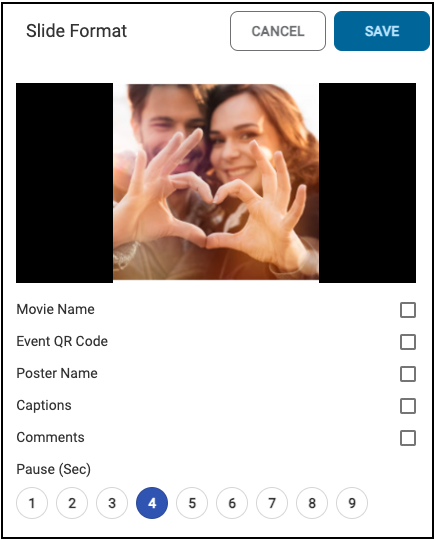
Slide Format - Select checkbox to display items, and Pause timing