
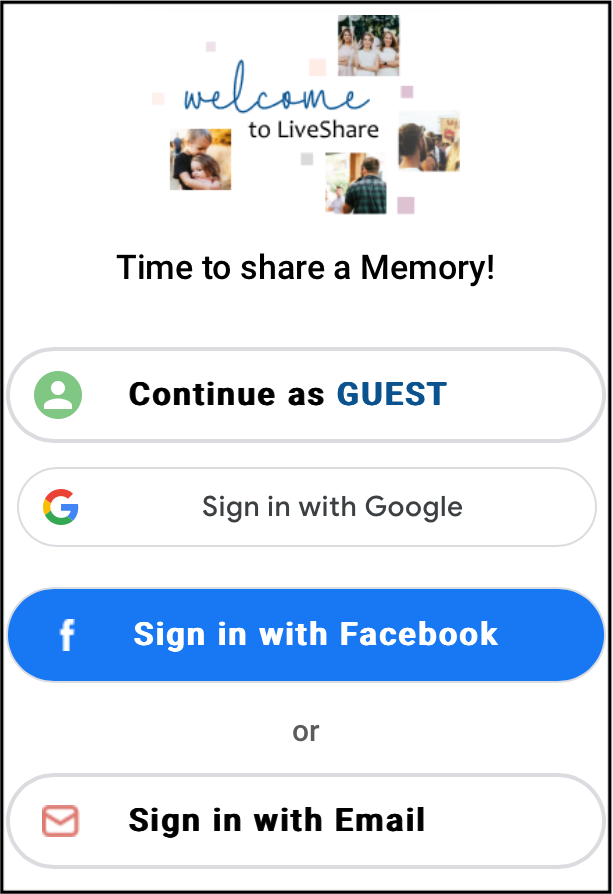
‘Continue as Guest’ doesn’t work!
Updated 2024-08-20
If nothing occurs when you click the ‘Continue as Guest’ button, it’s because you are already logged in. You may be logged in from a prior session or in a different window.
- You can click the 3-dot menu in the top right and click ‘Logout’ in the pop-up menu, and then continue to upload.
