How do guests navigate in a Multi-Event?
Updated 2024-12-03
Scan the QR code for the Public Events.
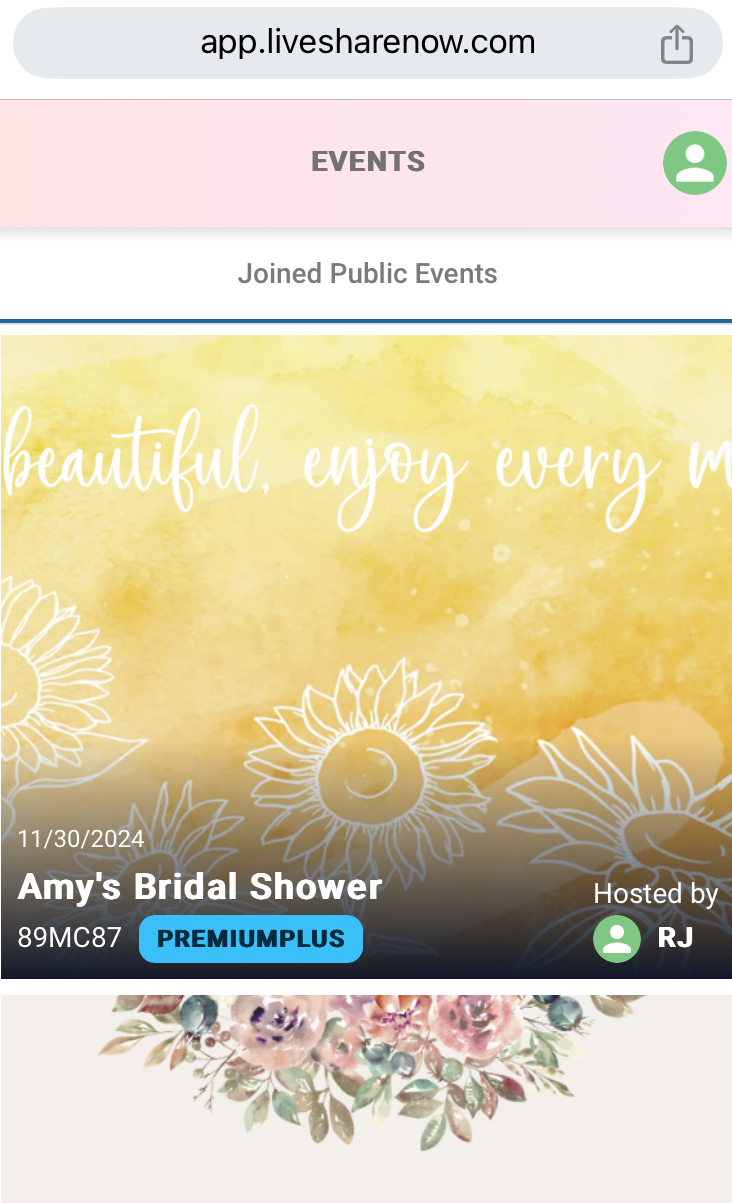
Select the ‘Joined Public Events’ tab as shown below. Swipe to scroll through the events and tap on the desired event.
- Tap on ‘Amy’s Bridal Shower’ event. The event will be displayed as shown below. Click the add ‘+’ button to upload a photo.
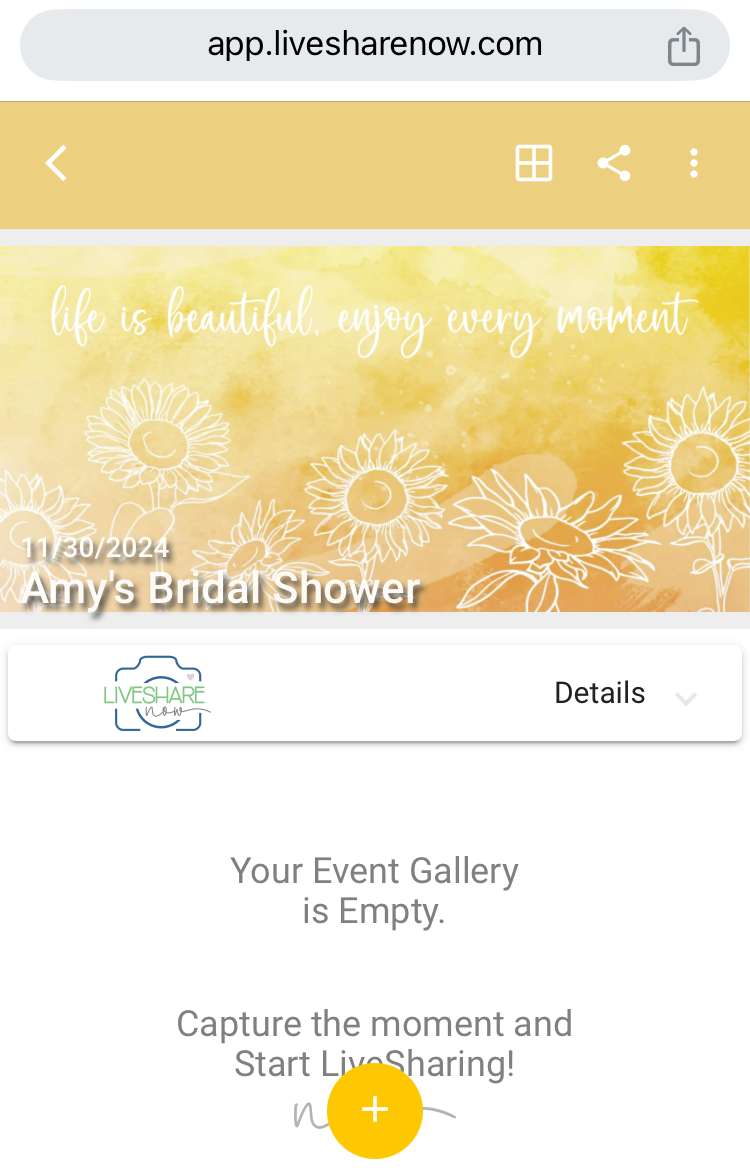
To return to the shared Public Events, tap the arrow ‘<’ at the top left, as shown above.
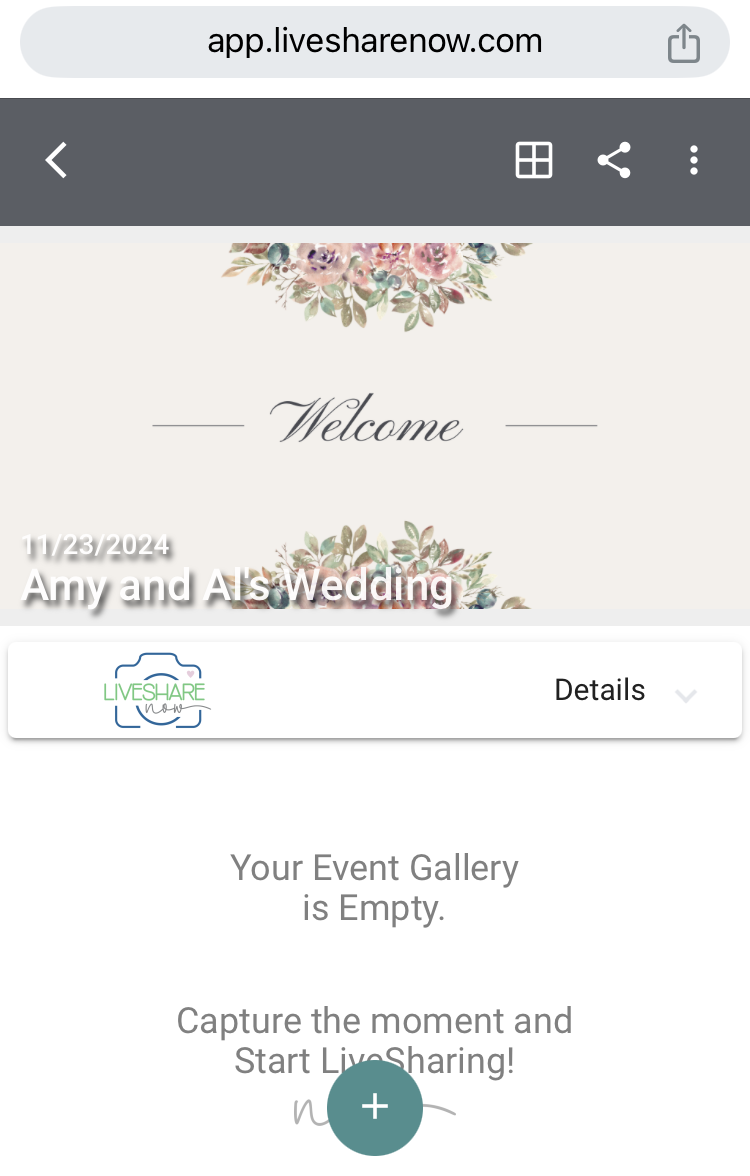
Then swipe and click on ‘Amy & Al’s Wedding’. The event will be displayed as shown below. Click the add ‘+’ button to upload a photo.