
How do guests upload photos in a ‘Scavenger Hunt’?
Updated 2024-11-12
Plan: Scavenger Hunt is part of the Premium Plus Subscription.
If ‘Wedding Template’ is selected, a group of images will be posted to your Timeline.
Guests then use the clues to find the item and take a photo to upload.
For example, the guests will see the clues you’ve selected, as shown below:

- They will click on the clue to display the details as shown below:
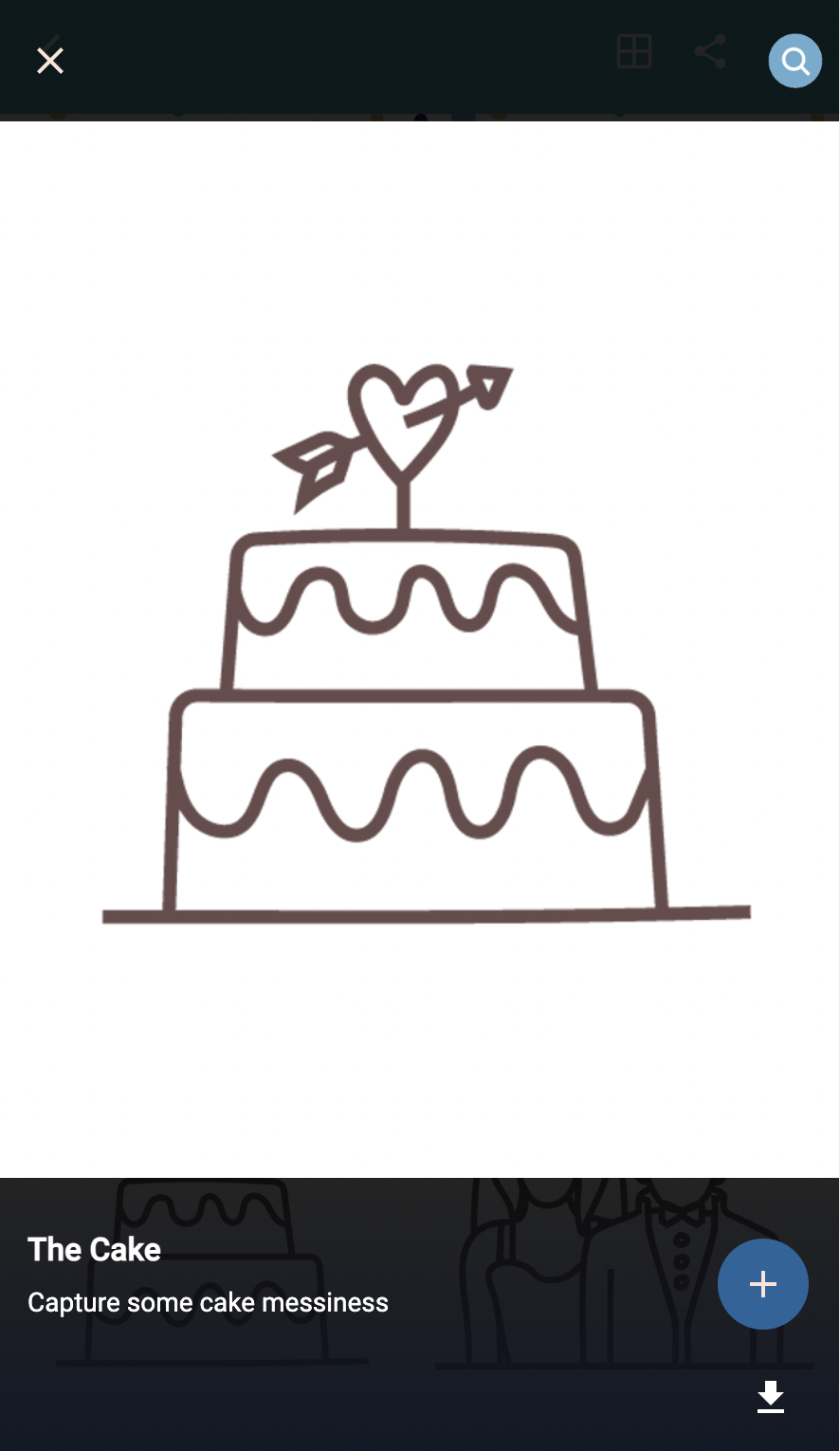
Guests will then click the add ‘+’ button shown above in the bottom-right.
Once they select their photo to upload, it will replace the clue image, as shown:
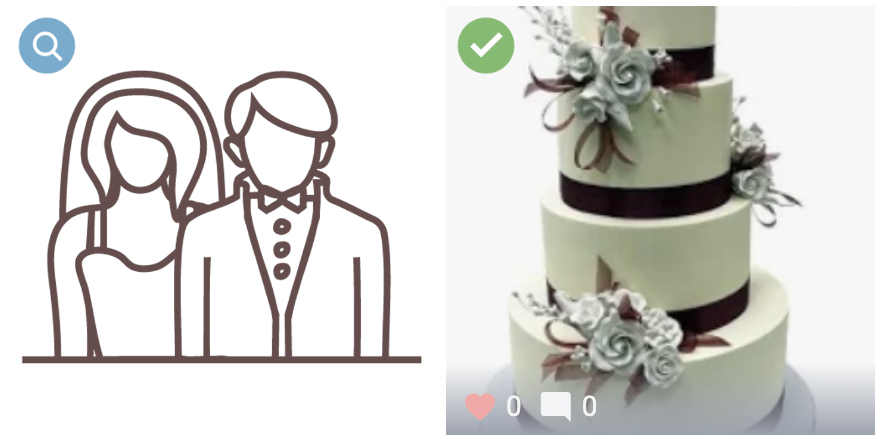
- For additional information on the Scavenger Hunt setup, please see this FAQ.