How do I use a QR code to join an Event?
Updated 2024-02-28
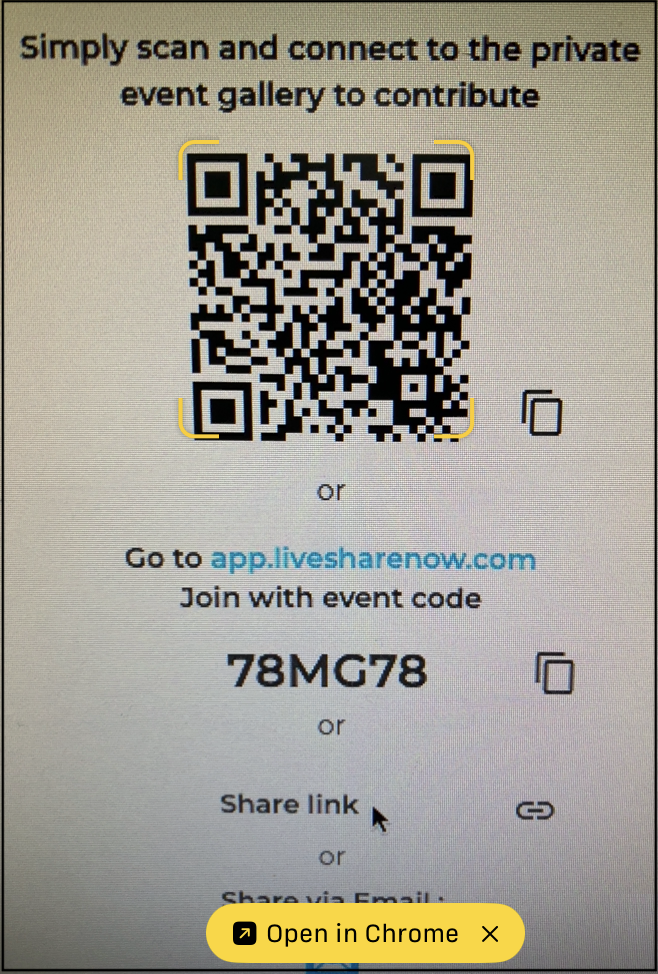
If a friend or family member has sent an email or invitation with a QR code, use the camera on your mobile phone to scan the QR code.
As shown below the camera identifies the QR code and lines-up the view field. The LiveShare Event will automatically open, or you may need to click ‘Open in Chrome’ as shown below.