
Get a high resolution QR code to print
Updated 2024-09-26
- Click the Share icon in the top right, and then click the copy icon in the bottom right.

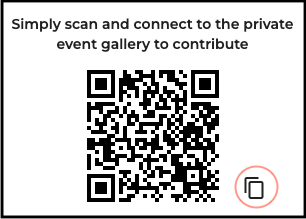
Paste the QR code into an email or file (Invitation, Table Card, Poster) for printing.
You can create a high resolution QR code with a QR Code Generator, though we do not support or recommend it.