
Guests can use ‘Button Link’ to create account
Updated 2024-04-16
For the Trial and Standard plans, guests are required to create a LiveShare account, to upload photos. When they first choose to upload a photo they’ll be asked to login as a guest in your Event.
If you have a Standard plan, you can create a ‘Button Link’ to make it easier for guests to create a LiveShare account.
Click the cogwheel icon to configure a Button Link. Scroll down to Standard Settings.
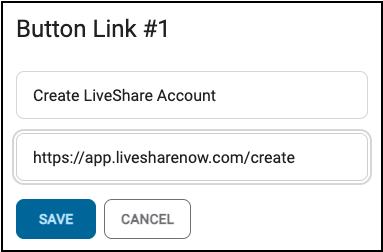
Click to activate Button Link #1 and/or #2. Enter a name and the URL: https://app.livesharenow.com/create
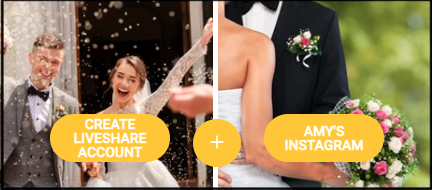
When guests access your Event, they’ll click on the ‘Create LiveShare Account’ button.
When guests click this button in your Event, a new window opens and they can click on the ‘Sign up with Email’ button. They’ll enter a Name, Email, and Password. They first need to access their email and confirm the account creation. They can then use this account to login as a guest on your Event and upload photos.