
How do I edit the photo I’m uploading?
Updated 2024-02-20
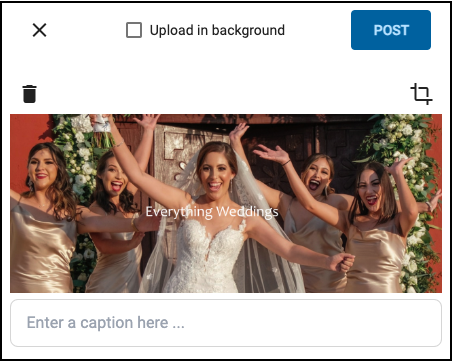
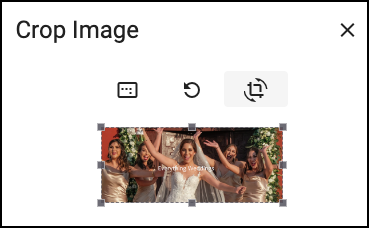
Yes, you can edit the photo prior to posting. Click the Edit icon in the top-right. You can then crop, rotate, refresh, delete, adjust the aspect ratio, and enter a caption.
Updated 2024-02-20
Yes, you can edit the photo prior to posting. Click the Edit icon in the top-right. You can then crop, rotate, refresh, delete, adjust the aspect ratio, and enter a caption.