
Edit, display, hide the Event Name and Date
Updated 2024-04-16
Click the cogwheel icon in the top-right to edit the settings.

Access the settings to update the Event Name and Event Date settings.
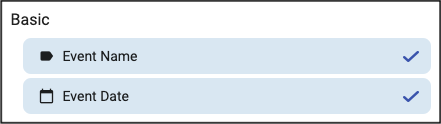
To display the Name/Date, ensure the checkmark is displayed. If it isn’t displayed, click at the far right so it’s displayed as shown above.
To hide the Name/Date, click the checkmark, so it’s not displayed.
To edit the ‘Event Name’ click/tap on ‘Event Name’, enter a name and click Save.
To edit the ‘Event Date’ click/tap on ‘Event Date’, enter a name and click Save.